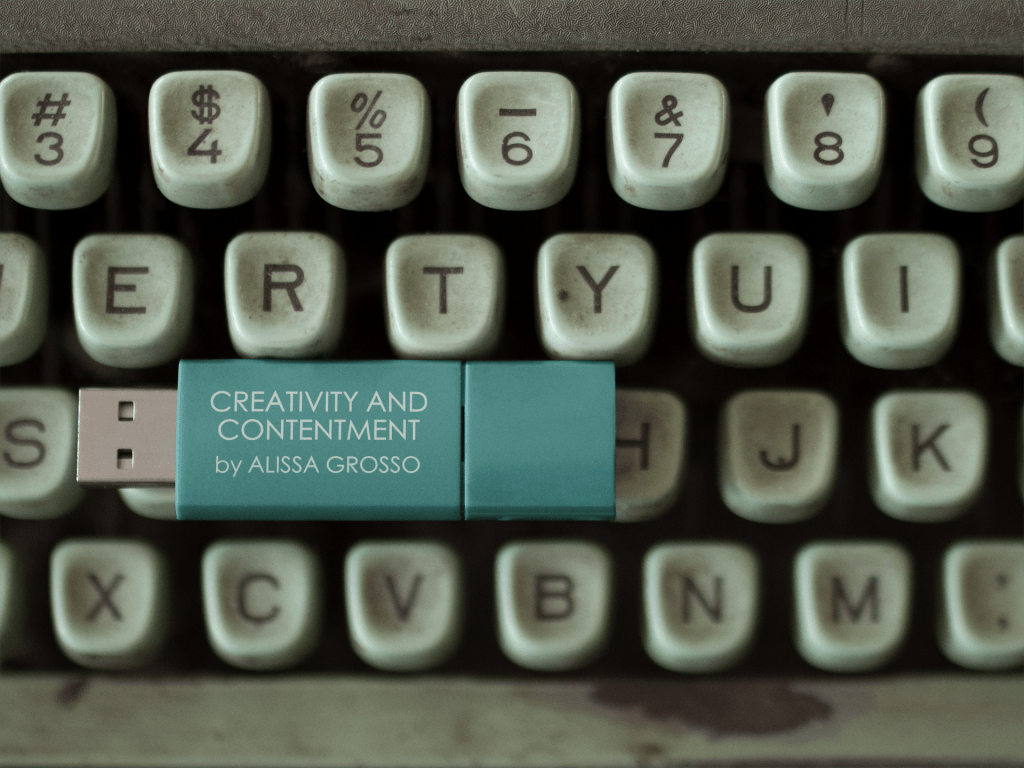
Over the years I’ve had some terrific teachers and had some fascinating and enjoyable classes. I always loved my English classes in high school, which is probably why I majored in English in college. I loved the challenge of math class, and the thrill that came from figuring out a solution. In fact, I have to admit that I use math a lot more in my day to day life, than I ever expected to. Creative writing and art class were always a treat, but neither these electives nor any standard subject classes proved to be the most useful to me in my daily adult life.
No, the class whose lessons proved the most useful, that I use all the time, and frankly, would be lost without, was something I took my freshman year of high school. A class that my school called “keyboarding” though I think everyone else in the world would refer to it as “typing.”
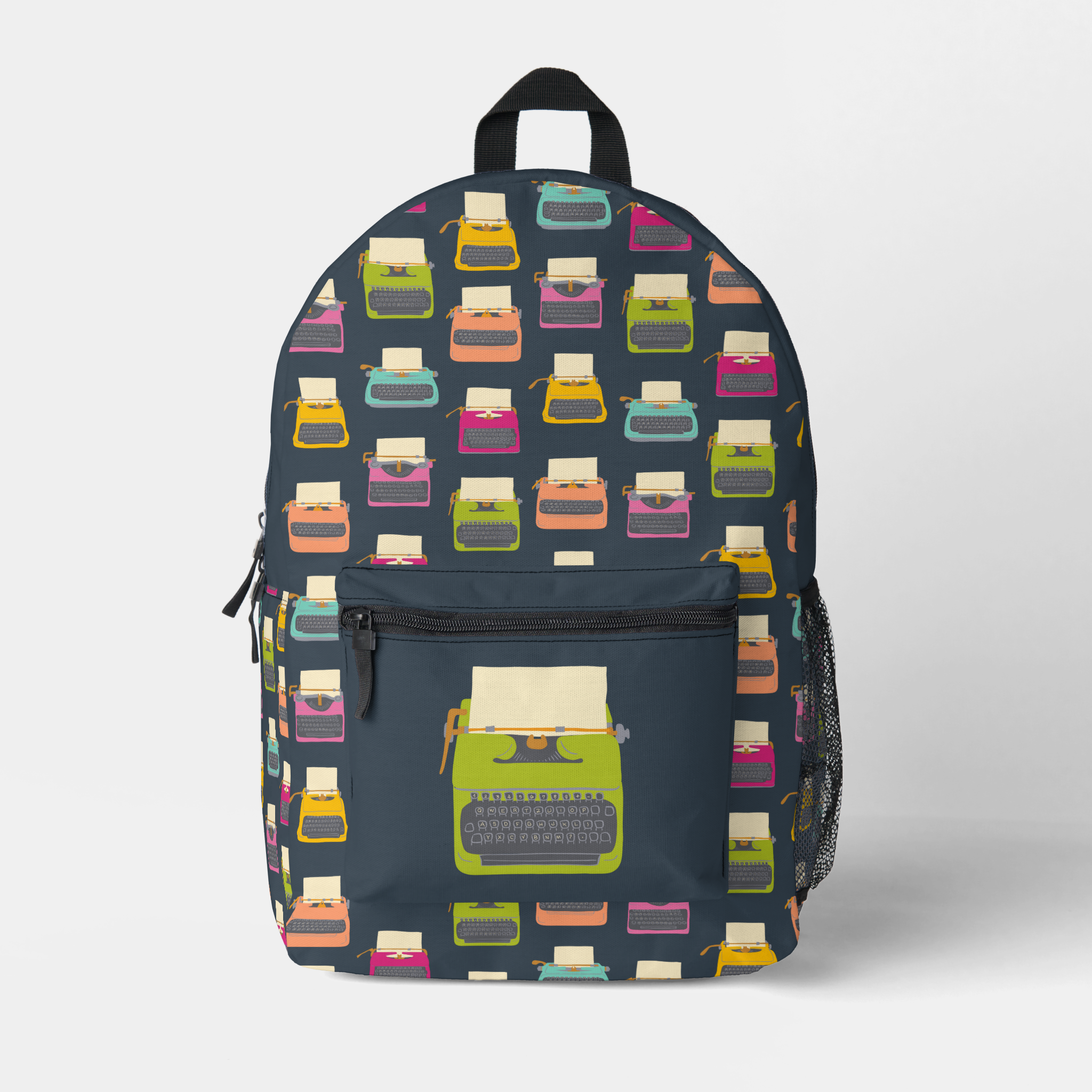
Despite the fancy “keyboarding” name and the fact that I attended high school in the early 1990s, we learned to type on typewriters, not computer keyboards. To be clear these were very nice IBM electric typewriters with built in correction tape and other fancy features, but they were still old technology when we learned to type on them.
For those of you who are younger than me or who went to better funded high schools, there are some differences in typing on a typewriter versus a computer. The biggest difference is probably the feel of the keys, because the keys are actually connected to the mechanism that makes the letters appear on the paper on a typewriter they do take a little more oomph (that’s a technical term!) to press than computer keys. To be fair an electric typewriter requires far less oomph than a manual typewriter.
With a typewriter you also have to worry about carriage returns and adding double spaces after periods. This is why there’s a key on my Mac’s keyboard labeled return that allows me to jump down to the next line, even if I no longer need to hit it every time I’m close to running out of page like you would on a typewriter and there’s no longer any carriage to return. Computers, as it happens, are a little smarter than typewriters in this way. This is also the reason when typing on a computer you no longer need to add an extra space after a period. Computers are smart enough to automatically add in this space when you use the period key.
That said, you can usually tell the people who learned to type on typewriters by the extra spaces they add after periods. It’s a tough habit to break. Fortunately find and replace is here to save the day. Back in my newspaper days, one of the first things I would so when copyediting a story or press release was to open the file in Word, then use find and replace to replace all double spaces with single spaces. Thank God, for our smart computers. The next thing that needed to get the ax were all the tabs us typewriter typists insisted on using instead of relying on our smart computers to lay things out properly.
Whether I’m writing one of these posts, working on a book or just filling out some online form, I use the skills I learned in keyboarding class all the time. Ron’s always impressed by my typing. He thinks it’s amazing that I can type without looking at the keys. I think I would just get confused if I tried to look at the keys while typing. On the other hand, anyone who is not a touch typist will certainly be confused if they looked at the keyboard on my Macbook:
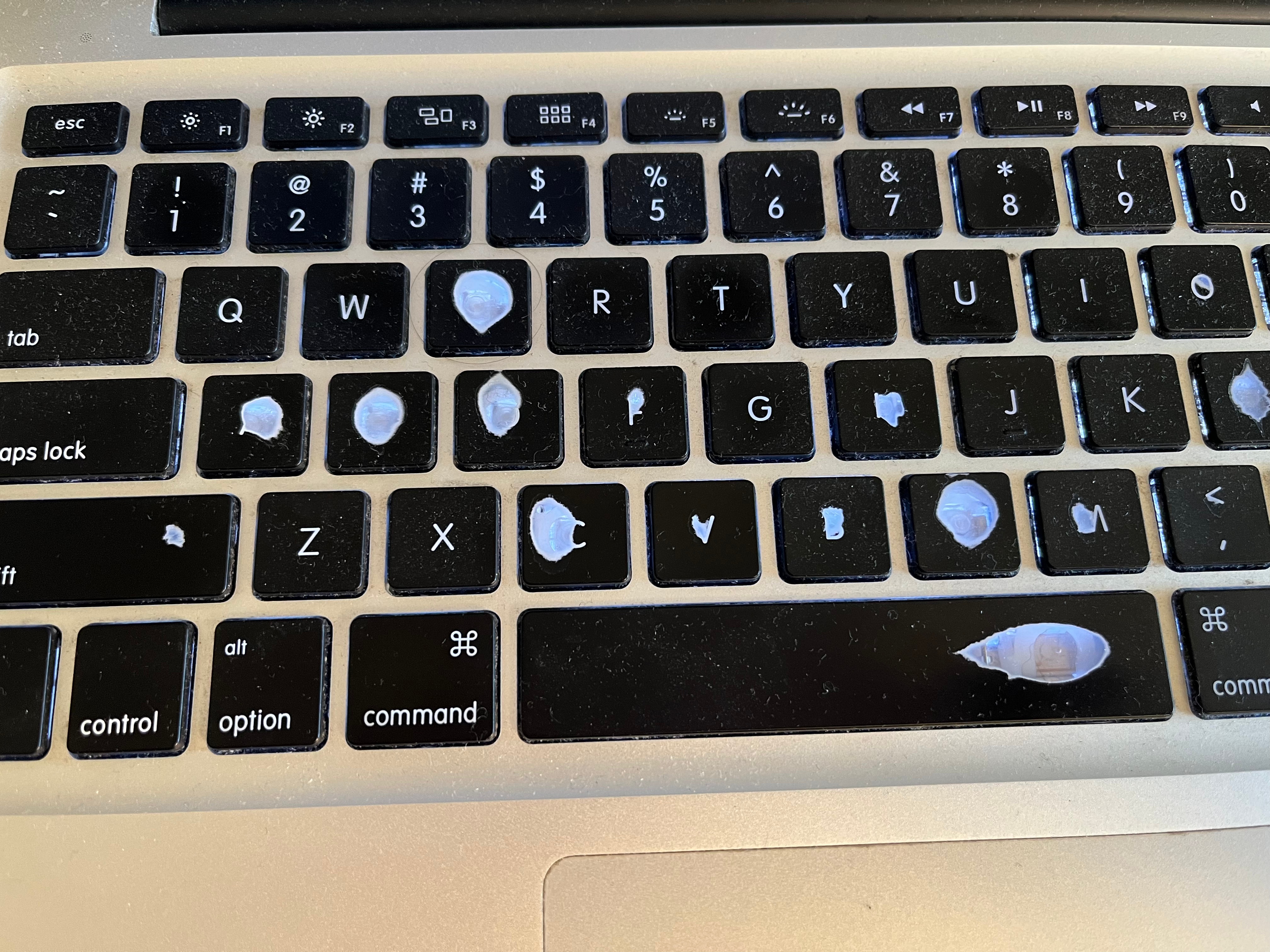
Those weird white blobs you see are actually where my fingers have worn the black coating on the plastic clear off. As it happens, I’ve used the built-in keyboard on my laptop to death, and it no longer functions properly. So I have this ridiculous setup in my office with an extra keyboard plugged into my laptop. I’ve already started wearing off the letters on that one too:
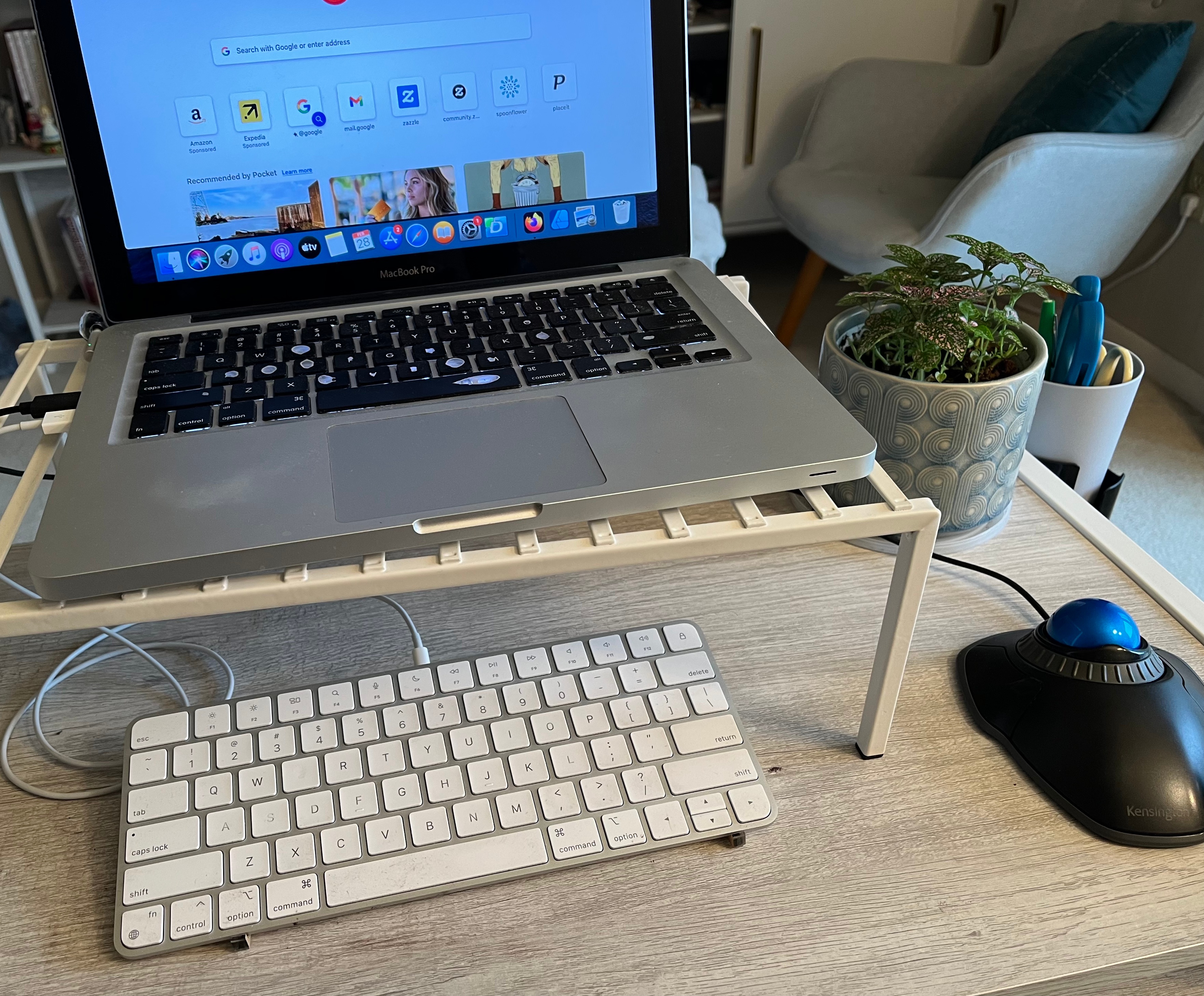
So, while I’m thankful to all the great teachers I had over the years, it’s the lessons I learned from Annabelle Hargreaves in eighth period keyboarding that I use every single day.
— Alissa
Weekly Inspiration
What I’m Reading: The Book of Love by Kelly Link
What I’m Watching: Abbott Elementary
What I’m Listening to: “Dangerous” by Roxette
Find out more about my books at alissagrosso.com
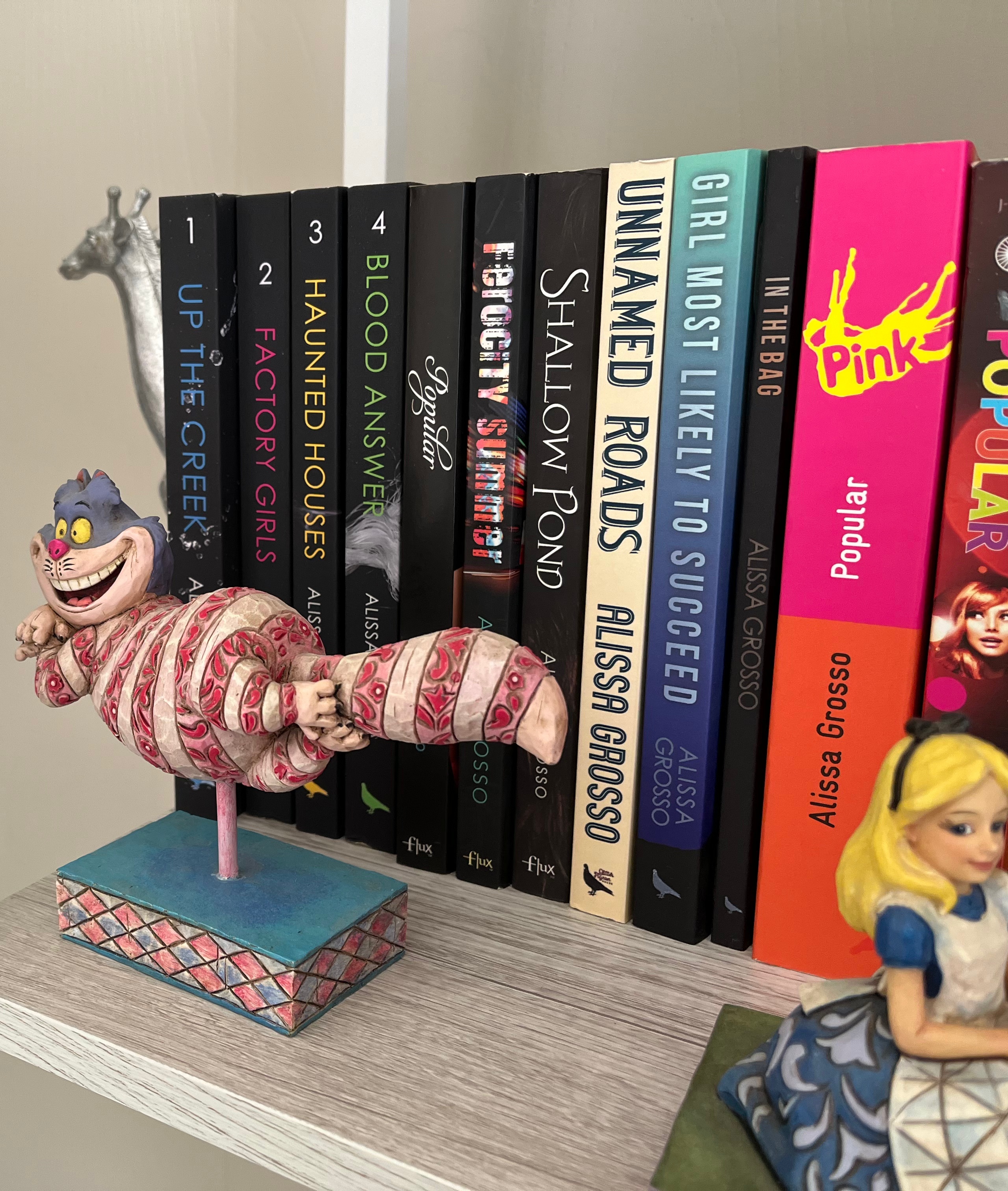
Find out more about my digital art at alissacarin.com
My apologies for the typos and such this post is almost certainly riddled with.
 Creativity and Contentment